
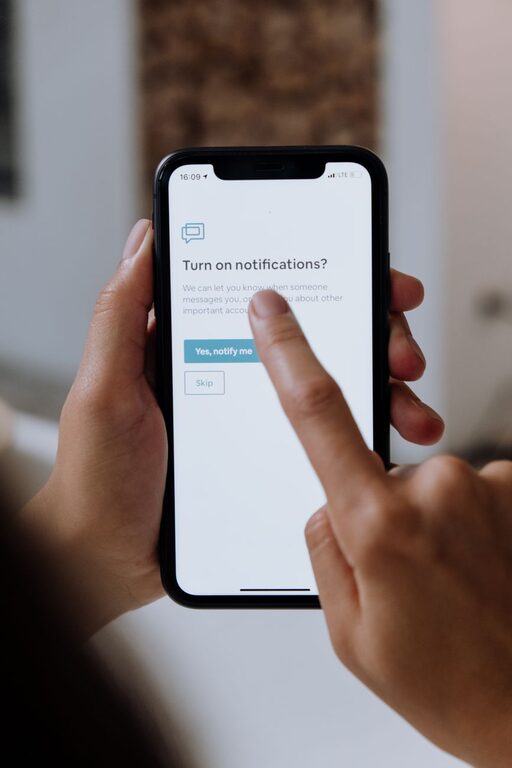
In today’s hyper-connected world, notifications are a constant presence on our devices. From social media alerts to emails and app updates, they can quickly become overwhelming and disrupt our focus. Setting boundaries with notifications is crucial to maintaining productivity and preserving mental well-being.
In this post, we’ll explore effective strategies to help you manage notifications, so you stay in control of your digital environment.
Why Setting Boundaries with Notifications Matters
Notifications are designed to grab your attention, which can make it hard to concentrate and complete tasks. Frequent interruptions lead to what experts call “attention residue,” meaning your focus is fragmented even after you stop attending to a notification.
By setting clear boundaries, you can:
– Reduce distractions and improve concentration
– Lower stress and digital fatigue
– Create dedicated times for checking messages and updates
– Enhance your overall work-life balance
Tips for Setting Boundaries with Notifications
1. Audit Your Notifications
Start by reviewing which apps send you notifications. Ask yourself:
– Do I need to be notified from this app immediately?
– Can the notification be checked later without consequence?
Delete or disable notifications from apps that don’t provide immediate value. Less is more when it comes to staying focused.
2. Customize Notification Settings
Most devices let you customize how and when notifications appear. Consider the following:
– Turn off sound or vibration: For less urgent apps, set notifications to silent.
– Use “Do Not Disturb” mode: Schedule it during work hours or nighttime to block all but essential alerts.
– Enable notification grouping: This bundles notifications, so your screen is less cluttered.
3. Set Specific Times to Check Notifications
Instead of reacting to every alert instantly, designate a few times each day to review notifications:
– Morning, midday, and late afternoon sessions work for many people.
– Outside those times, keep notifications muted or hidden.
This approach reduces constant interruptions and encourages focused work periods.
4. Prioritize Notifications
Some notifications require immediate action while others can wait. Use features like “priority mode” on Android or “Focus modes” on iOS to prioritize alerts from important contacts or apps only.
You can also use third-party apps that filter notifications based on your chosen rules.
5. Turn Off Non-Essential Notifications Completely
Some notifications are nice to have but not necessary. For example:
– Social media likes or comments
– News updates or weather alerts
– Promotional messages from apps or stores
Turning these off can significantly reduce overall notification noise.
6. Use Technology to Your Advantage
Several tools and apps help manage notifications effectively:
– Focus or productivity apps: These allow you to block notifications during work sessions.
– Email filters and labels: Organize emails so only important ones trigger alerts.
– Notification summaries: Some devices offer daily or hourly digests so you are not interrupted constantly.
7. Communicate Your Preferences
If you work or live with others who frequently contact you, share your notification preferences:
– Let colleagues know when you’re unavailable for immediate replies.
– Set clear boundaries around personal time to avoid work messages after hours.
Open communication helps others respect your boundaries.
8. Maintain Your Boundaries
Setting boundaries is just the first step—maintaining them is key. Regularly:
– Review your notification settings to adjust as needed.
– Reflect on how interruptions affect your productivity and mood.
– Celebrate moments when focused work leads to better results.
Conclusion
Managing notifications well is an essential step toward reclaiming your time and focus in a busy digital world. By auditing, customizing, setting schedules, and communicating your needs, you create a healthier relationship with your devices.
Start small by tweaking your notification settings today and notice how boundaries can bring calm and clarity to your daily life.
Remember, you control your notifications—not the other way around!